Retro Console Care: Yellowing, Dead Capacitors and Safe Storage
Old consoles are tougher than most modern electronics, but time still gets to them. Plastic changes colour, parts wear out and some components simply age. A little care goes a long way.
Why consoles turn yellow
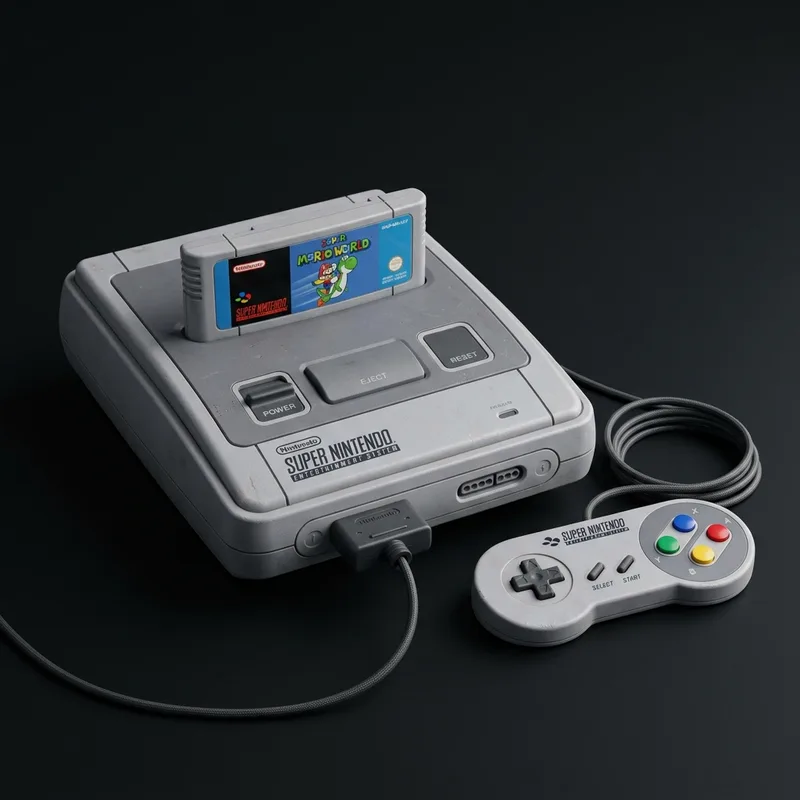
The grey plastic in many 1980s and 1990s consoles contains a flame retardant that includes bromine. When the plastic is exposed to ultraviolet light and heat, it slowly turns yellow or brown. This is why the Super Nintendo, the original Game Boy and many NES consoles are often patchy: one part sat in the sun, another did not. Different plastic batches also yellow at different rates, which is why two pieces of the same console can look different.
Can you reverse it?
A method called "Retr0Bright" uses hydrogen peroxide and UV light to reverse the yellowing. It works, but there are risks:
- It can leave streaks or blotches if the peroxide does not cover the surface evenly.
- It can make the plastic more brittle.
- The yellowing often comes back over time.
Many collectors now prefer to leave yellowing alone. If you try it, start with a small part you do not mind risking.
Parts that wear out
- Capacitors. Electrolytic capacitors can dry out or leak after decades. Most Nintendo consoles have held up well, but some handhelds from other makers are known for capacitor failures. Symptoms are weak sound, dim screens or no power.
- Screen ribbon cables. The original Game Boy is known for vertical lines of missing pixels. This is caused by the connection between the screen and the board breaking down. It can be repaired with careful heat, but often comes back.
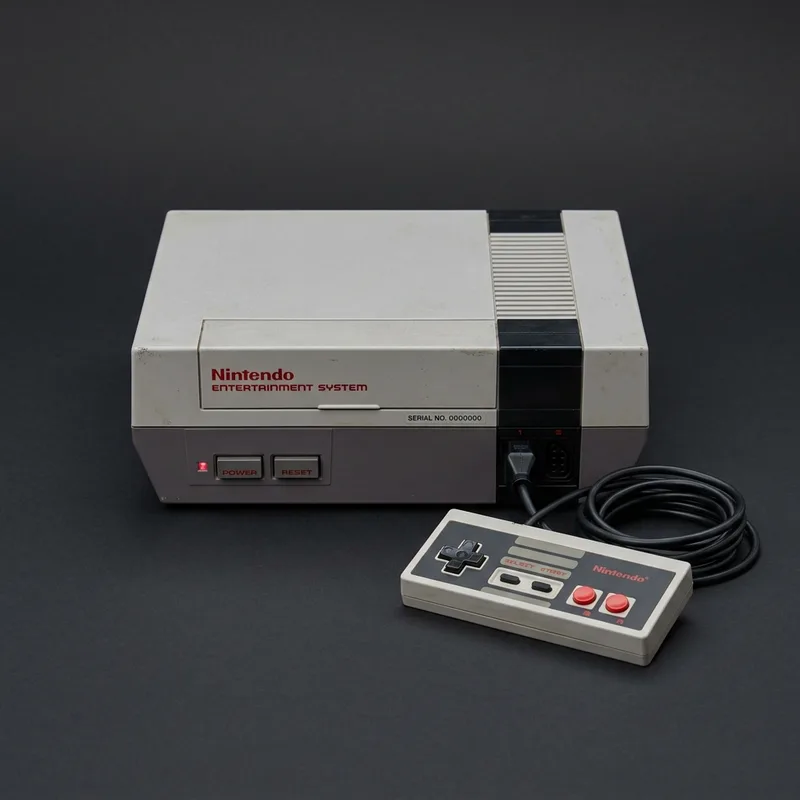
- Connectors. The NES 72-pin connector bends with use and causes the blinking red light. It can be replaced cheaply.
- Disc drive lasers. GameCube and Wii lasers can weaken. Some GameCube lasers can be adjusted; often replacement is the better option.
- Batteries. Coin cells in cartridges and clock batteries in some consoles run out. Lithium batteries in handhelds like the GBA SP, DS and 3DS can swell with age. A swollen battery should be replaced and disposed of properly.
Storage rules that work
- Keep things out of direct sunlight. This is the single most important rule.
- Keep humidity stable. A dry cupboard indoors is better than a garage, loft or basement, where temperature and humidity swing.
- Remove batteries from anything that uses AA or AAA batteries, such as the original Game Boy and controllers. Leaking alkaline batteries are a very common cause of damage.
- Store cartridges label-up or upright, in cases or sleeves to keep dust away from the contacts.
- Power your consoles on now and then. It confirms they still work and lets you catch problems early.
- Store lithium-battery handhelds part-charged, around half full, if you will not use them for a long time.
Do the simple things first
Most problems people see with older games are dirt, not damage. Before you assume a game or console is dead, give it a proper clean using this cartridge cleaning guide.