How to Clean Retro Game Cartridges Without Damaging Them
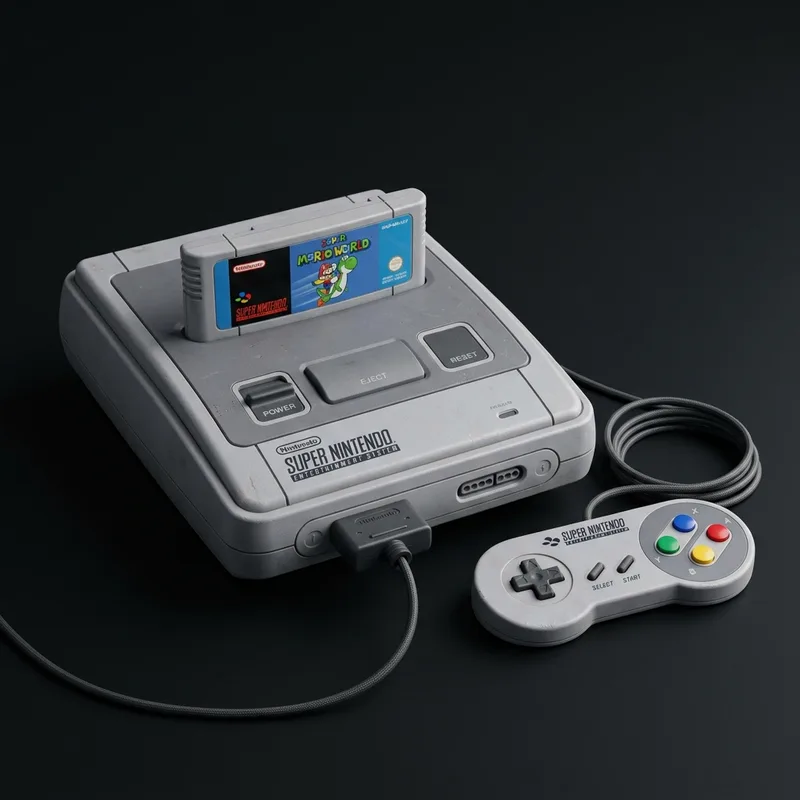
A game that will not boot, freezes or shows a scrambled screen is very often just dirty. Decades of dust, skin oil and oxidation sit on the contacts at the bottom of the cartridge. Cleaning them is easy and fixes a lot of "dead" games.
First: stop blowing into them
Everyone did it, and it seemed to work. What really happened is that removing and reinserting the cartridge moved the contacts into a better position. Blowing adds moisture and saliva, which speeds up corrosion over time. Do not do it.
What you need
- Isopropyl alcohol, 90% or stronger. Weaker alcohol has more water in it, which takes longer to dry.
- Cotton swabs. Choose ones that do not leave fibres behind.
- A security screwdriver if you want to open carts: 3.8 mm for Game Boy and GBA, 4.5 mm for NES, SNES and N64.
- Optional: a soft brush and a clean cloth.
Cleaning the contacts
- Dip a swab in the alcohol. It should be damp, not dripping.
- Rub it firmly along the contacts on both sides of the cartridge. Go back and forth several times.
- Look at the swab. If it is black or brown, use a fresh one and repeat until it comes away nearly clean.
- Dry it with the dry end of a swab, then let the cartridge stand for at least five minutes before inserting it so all the alcohol evaporates.
Heavily oxidised contacts
Some contacts are dull or have green or dark spots. Alcohol alone may not remove this. Some collectors use a pencil eraser, but this is risky: an eraser is abrasive and can wear away the thin plating on the contacts. Use it gently and only as a last resort.
A better option for bad oxidation is to open the cartridge so you can reach the contacts properly, then use a dedicated contact cleaner.
Do not forget the console
Cleaning the game only fixes half of the connection. The slot in the console also gets dirty.
- Handhelds: a swab with alcohol, carefully inserted into the slot, can clean the pins. Make sure the console is off and the battery removed.
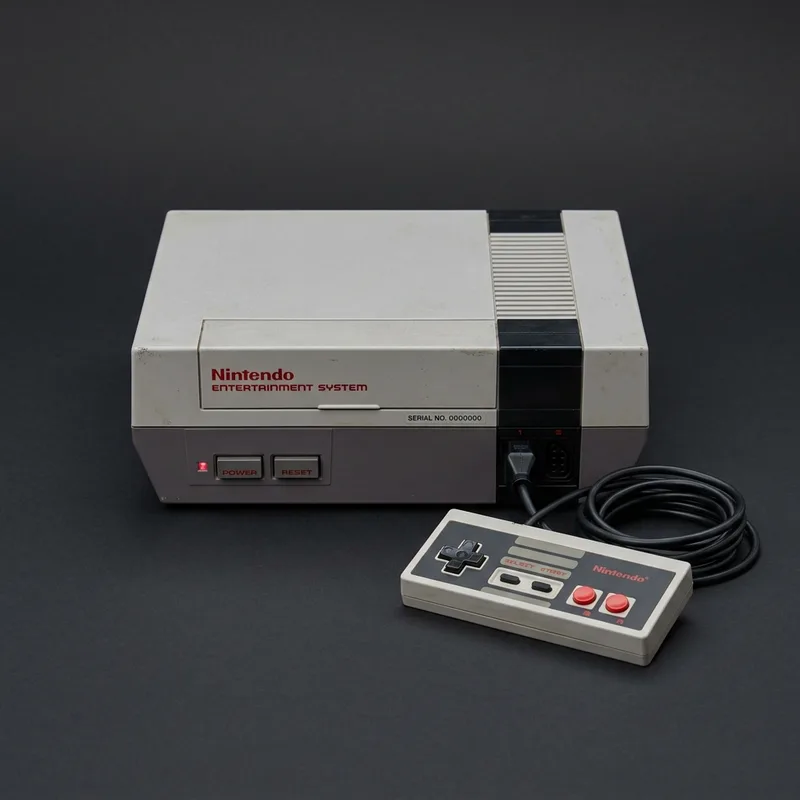
- NES: the front-loading NES uses a 72-pin connector that bends over time. This is the cause of the famous blinking power light. A replacement connector is cheap and usually fixes it.
- N64 and SNES: the slots can be cleaned with a thin cloth wrapped around a piece of card dipped in alcohol. Again, console off and unplugged.
Cleaning the outside
For the shell, use a slightly damp cloth with a little dish soap, then wipe dry. Keep water away from the label and the contacts. Sticky residue from old price stickers can usually be removed with a small amount of isopropyl alcohol on a cloth, but test on the edge first: some labels react badly to alcohol.
When cleaning is not enough
If a clean game still does not work, the problem may be inside: a dead save battery, a damaged chip or a cracked circuit board trace. Read Game Boy save batteries explained if saves are disappearing.