Which 3DS Should You Buy? A Used Buying Checklist
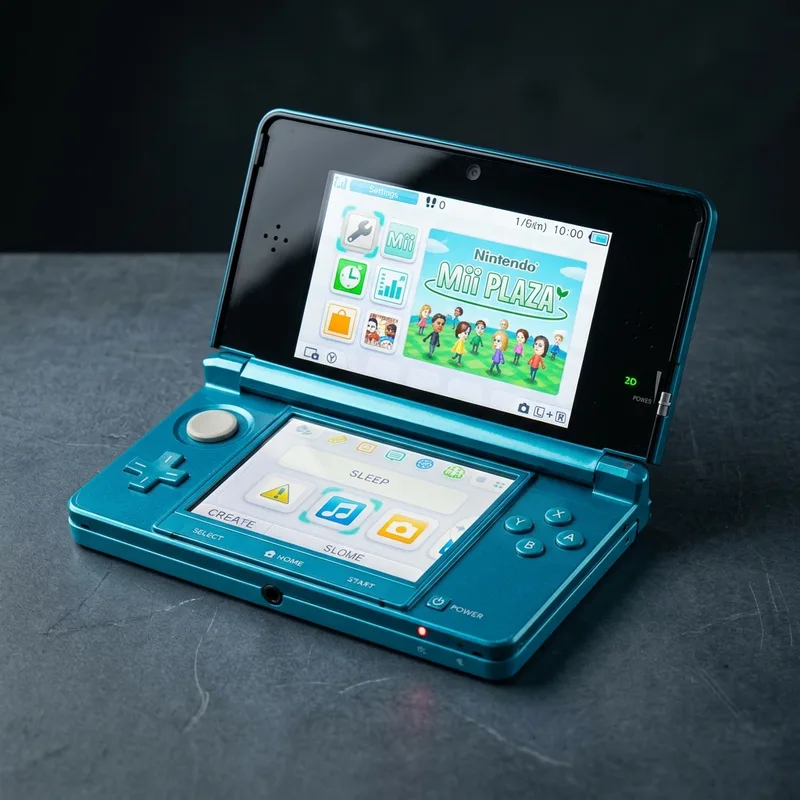
The 3DS is no longer made, so every console you can buy today is second-hand (or new old stock at collector prices). That is fine: they are tough machines. But some faults are common and easy to miss in photos. Here is how I choose a model and what I check before buying.
My pick for each budget
Tight budget: Nintendo 2DS. The wedge 2DS is usually the cheapest model on the used market. It plays the full 3DS and DS library (apart from the few New-only games), it is very hard to break, and it does not have a hinge to wear out. The screens are small, but they are sharp.
Best all-rounder: New Nintendo 2DS XL. Large screens, the faster New processor, C-Stick and amiibo support, and no 3D. It weighs less than the New 3DS XL and the microSD slot does not need a screwdriver. If you rarely used the 3D slider on other models, this is the one.
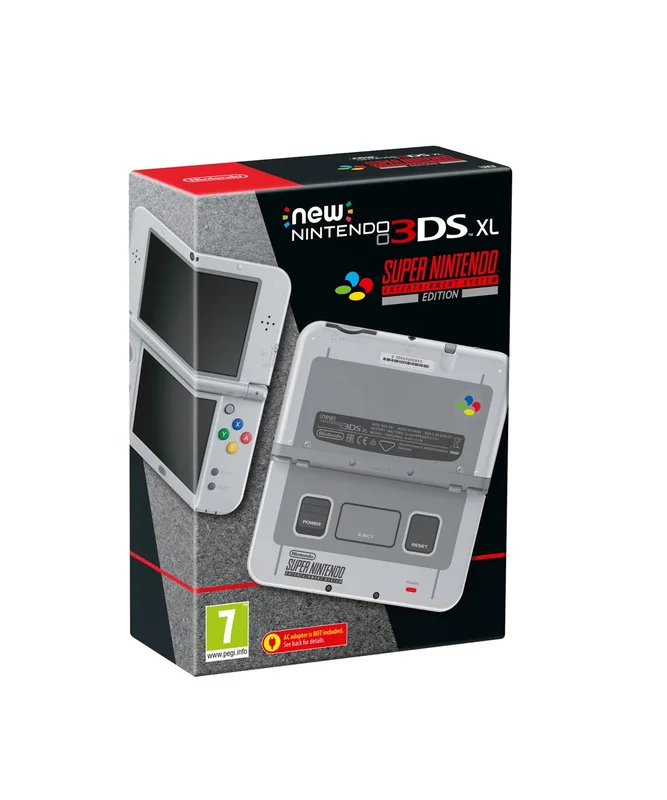
For the full experience: New Nintendo 3DS XL. Face-tracking 3D is the best version of the effect Nintendo ever made. It tends to cost the most, especially special editions. Prices go up every year, so if you want one, do not wait for them to get cheaper.
Avoid unless it is cheap: the original 3DS. It is not bad, but its top screen scratches easily and the New models are better in every way.
The checklist
1. Screens
Ask for a photo of both screens turned on, showing a white or bright image. Look for:
- Scratches on the top screen. Most common on the original 3DS.
- Dead or stuck pixels. One or two may not bother you; a line will.
- Yellow tint. Some 3DS XL top screens have a warmer tint than others. It is normal variation, not a fault, but if it bothers you, ask before you buy.
2. The hinge
Open and close the console a few times. Look closely at the hinge area for hairline cracks, especially on the 3DS XL and New 3DS XL. A cracked hinge gets worse over time and can eventually damage the ribbon cable that connects the two screens.
3. The Circle Pad
Move the Circle Pad in a full circle. It should feel smooth and return to the centre on its own. In System Settings you can open the Circle Pad calibration screen to check for drift. Worn Circle Pads can be replaced, but it is a fiddly repair.
4. Battery
A battery that is swollen pushes the back cover outward or lifts the bottom screen slightly. If the back cover does not sit flat, do not buy it, or budget for a replacement battery and stop using it until then. A swollen lithium battery is a safety issue, not just a nuisance.
5. Buttons and the cartridge slot
Press every button, including Start, Select, Home and the shoulder buttons. Then insert a game: the cartridge should click in and be read straight away.
6. Region and accounts
Check the region is right for you (the 3DS is region locked for 3DS games). Ask the seller to remove their Nintendo Network ID or do a system format before you collect it. Otherwise the console may still be linked to their account.
What should come in the box?
Very little is essential. Any 3DS charges with the same AC adapter as the DSi, so a cheap official or quality third-party DSi/3DS charger works for all six models. A stylus should be in the slot, but replacements cost very little. An SD card (or microSD for New models) is needed for downloads, saved photos and some game data.
Before you sell or after you buy
If you are buying from someone who still has digital games installed, those games are tied to their account, not the console. They will disappear after a format. Only physical cartridges come with the console for good. For what still works on the eShop today, read Wii U and 3DS after the eShop closed.