GameCube Memory Cards Explained: Blocks, Sizes and Avoiding Corruption
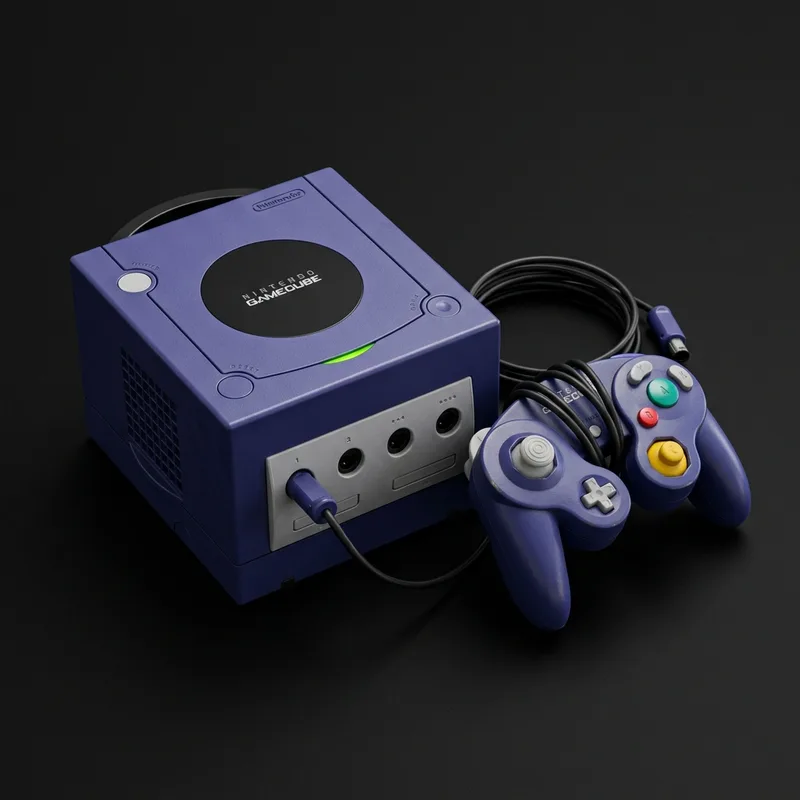
The GameCube saves to removable memory cards instead of an internal drive. That makes cards a must-have, and it also means picking the wrong one can cost you saves.
Official Nintendo cards
| Card | Capacity | Blocks |
|---|---|---|
| Memory Card 59 | 4 Mbit (512 KB) | 59 |
| Memory Card 251 | 16 Mbit (2 MB) | 251 |
| Memory Card 1019 | 64 Mbit (8 MB) | 1019 (Japan only) |
A "block" is the unit the GameCube uses to measure saves. Most games use from 1 to around 20 blocks, but some sports and racing games use a lot more. The Memory Card 59 can fill up quickly if you play several games.
Why some games refuse to save
A few games do not work well with very large cards. Some older games also check the card when they start up and complain if the format looks unexpected. If a game gives a strange error with a big third-party card, try an official Memory Card 59 or 251.
The problem with big third-party cards
Many third-party cards advertise huge sizes like "1024 MB" or many thousands of blocks. These usually work by splitting the card into separate "pages" that you switch between with a button. They are known for:
- Corruption. Switching pages while a game is running, or a fault in the page switching, can damage saves.
- Slow saving and loading.
- Odd compatibility issues with some games.
My advice: use official Nintendo cards for saves you care about. A Memory Card 251 is plenty for most people.
Looking after your saves
- Never remove a card while the console is saving or loading. Wait for the message to finish.
- Do not turn the console off while saving.
- Copy important saves to a second card. The GameCube system menu lets you copy saves between cards in Slot A and Slot B. Some games block copying, which is normal.
Playing GameCube games on a Wii
The original Wii (model RVL-001, the one that stands up) has four GameCube controller ports and two memory card slots under flaps on the top. It plays GameCube discs, and it works well.
Later Wii models do not:
- Wii Family Edition (RVL-101), the horizontal model released in 2011, removed GameCube support.
- Wii mini has no GameCube support either.
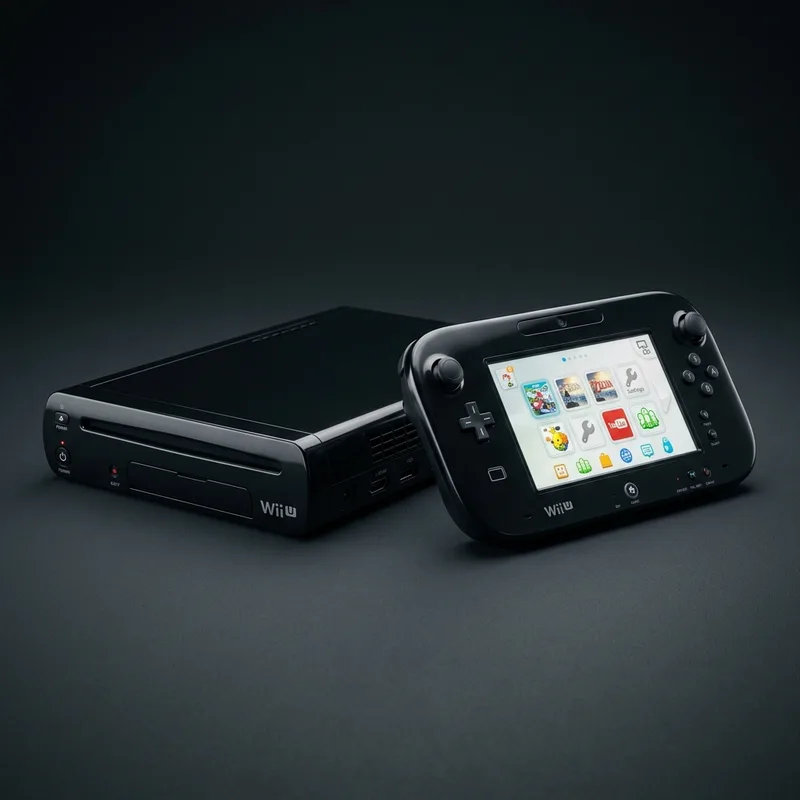
- Wii U cannot play GameCube discs. Its GameCube controller adapter is for specific Wii U games like Super Smash Bros.
When you play GameCube games on a Wii, you need a real GameCube memory card for saves. The Wii's internal memory is not used for GameCube games.
Buying advice
Used official memory cards are common and not expensive. Test any second-hand card in the GameCube system menu before trusting it with saves. If it shows errors or asks to format, it may be faulty.